

India's Best Free Online Document Scanner
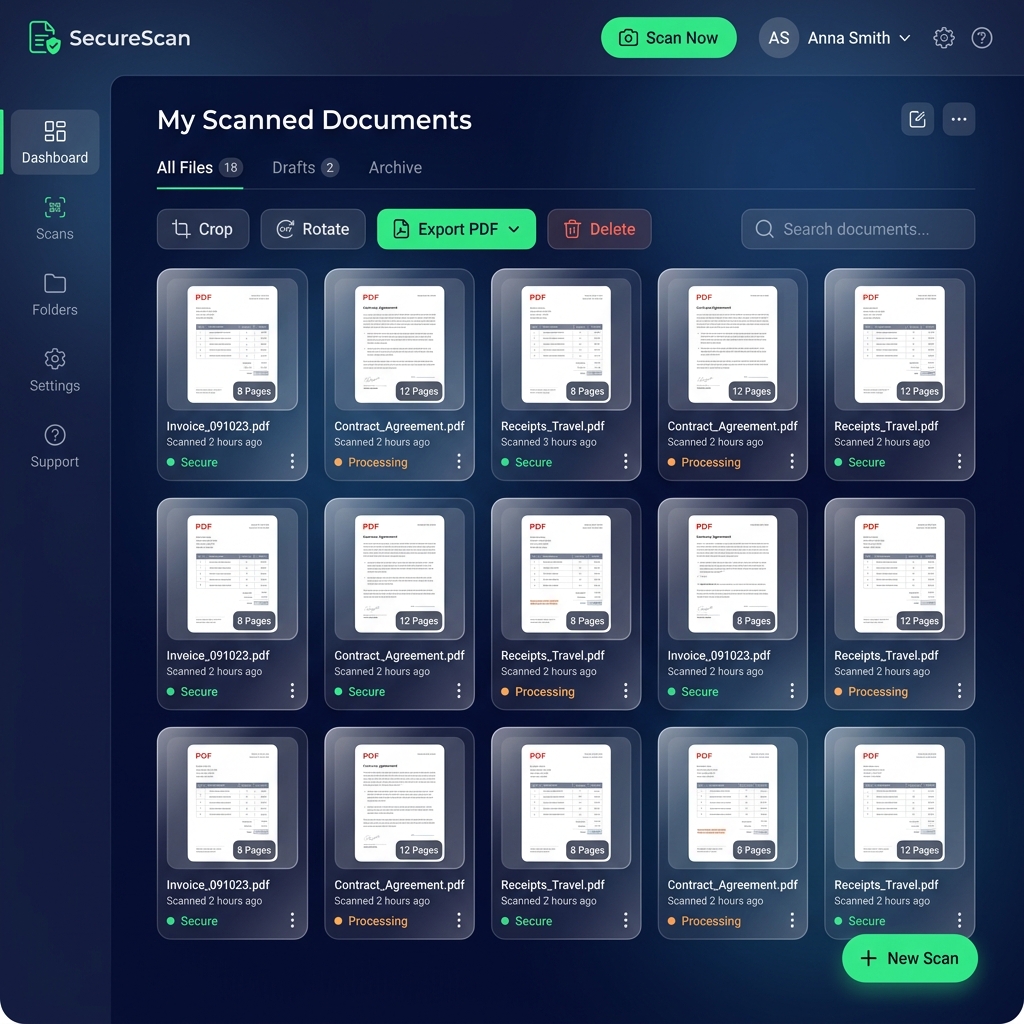
The most secure, privacy-first alternative to CamScanner. Digitize your paperwork instantly. Scan documents, save securely in your browser local storage, and never face vendor lock-in. Find what you need with our In-Document OCR Search. No app store installation required.
Zero Server Uploads
Your files are parsed and saved entirely in your local browser sandbox.
Magic Clean Processing
Automatic border edge cropping, shadow clearing, and contrast tuning.
Clean Multi-Page PDFs
Generate search-friendly, standard-compliant PDF documents offline.
Secure Offline Local Storage
Your data never leaves your device. All scanned pages are securely cached locally inside your browser's private offline secure database for high-performance retrieval and absolute privacy.
Smart In-Document Search
Stop scrolling through hundreds of pages. Our advanced built-in OCR (Optical Character Recognition) extracts text from your scanned images, allowing you to search for exact keywords across all your documents instantly.
AI Auto-Crop & Filters
Just point your camera. Our AI automatically detects paper edges, fixes perspective skew, and applies professional filters like "Magic Color" to ensure text is crystal clear and highly readable.
100% Private & No Cloud Leak
Your privacy is our priority. Image processing and PDF creation happen completely client-side in your browser. We never upload your sensitive documents to remote servers—keeping you 100% safe from data leaks.
Install the Web App
Get the full native app experience. Install onlinescanner.in directly to your phone's home screen for instant, offline scanning anytime, anywhere.
How to scan documents online?
Capture
Tap the camera icon and align your document within the frame.
Adjust
Verify the auto-detected corners and crop out the background.
Enhance
Apply our Magic Color filter to make the text pop perfectly.
Export
Save securely in browser, download PDF, or share instantly.
Frequently Asked Questions
Is this online document scanner free?
Where are my scanned documents stored?
Can I search inside my scanned PDFs?
Our Online Scanning Suite
Explore our specialized, completely secure browser utilities tailored for specific document scanning needs.
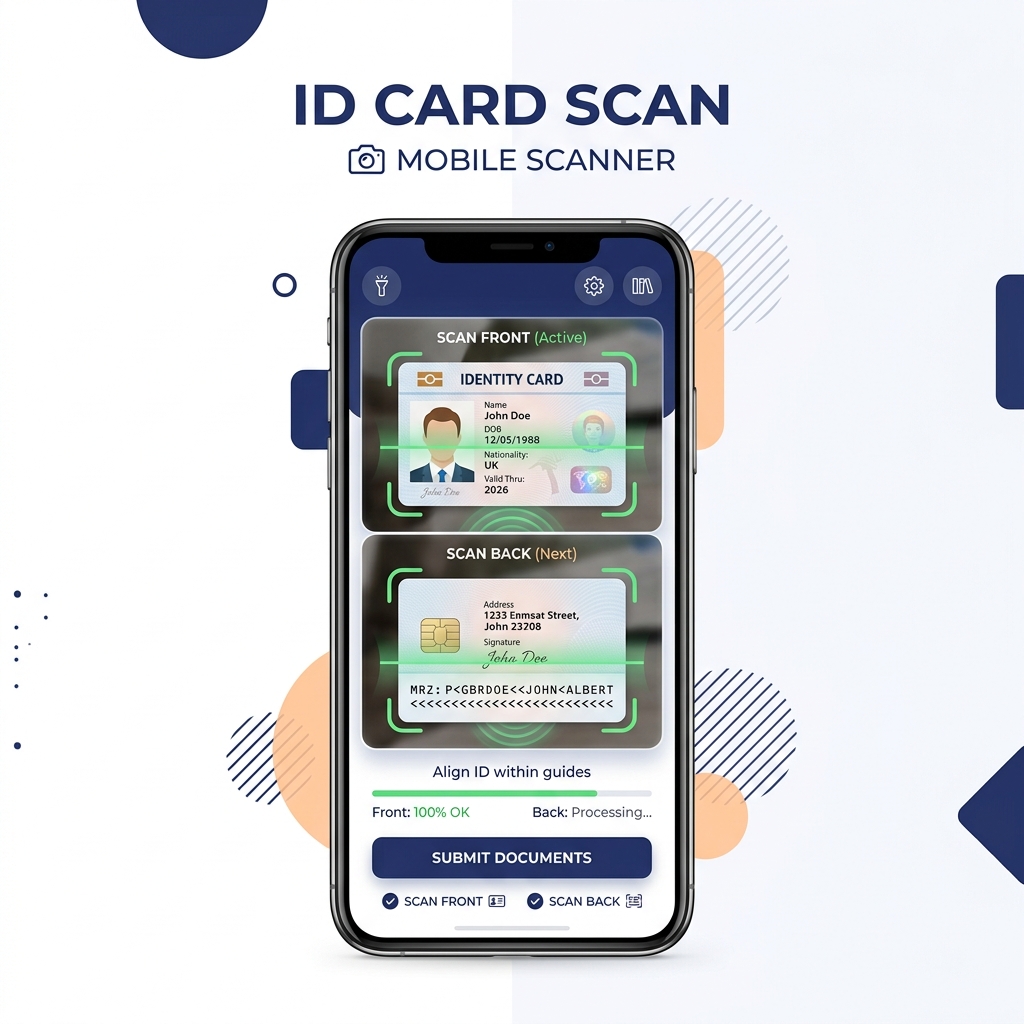
ID Card Scanner
Capture the front and back of physical ID cards and composite them cleanly onto one A4 page online.
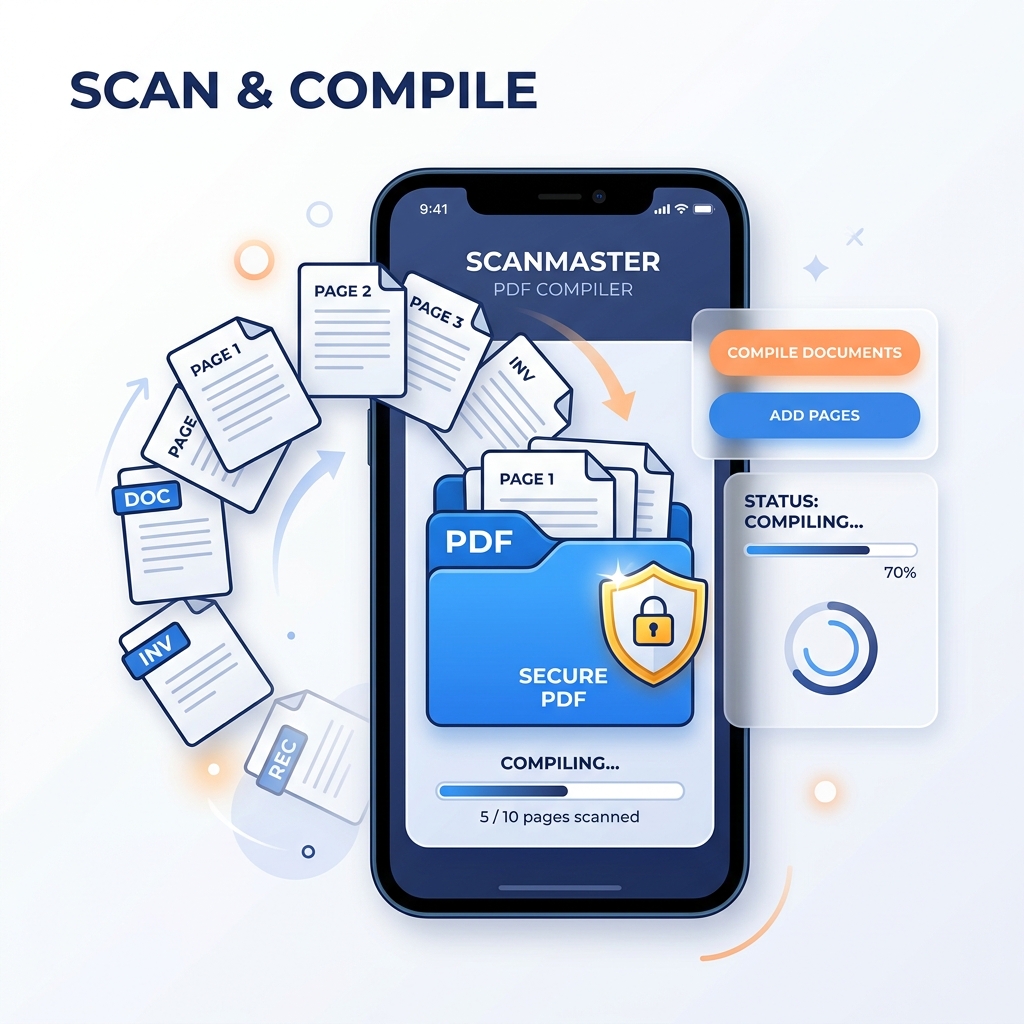
Scan to PDF
Quickly scan single or multi-page documents and compile them into clean, compact, print-ready PDF files.
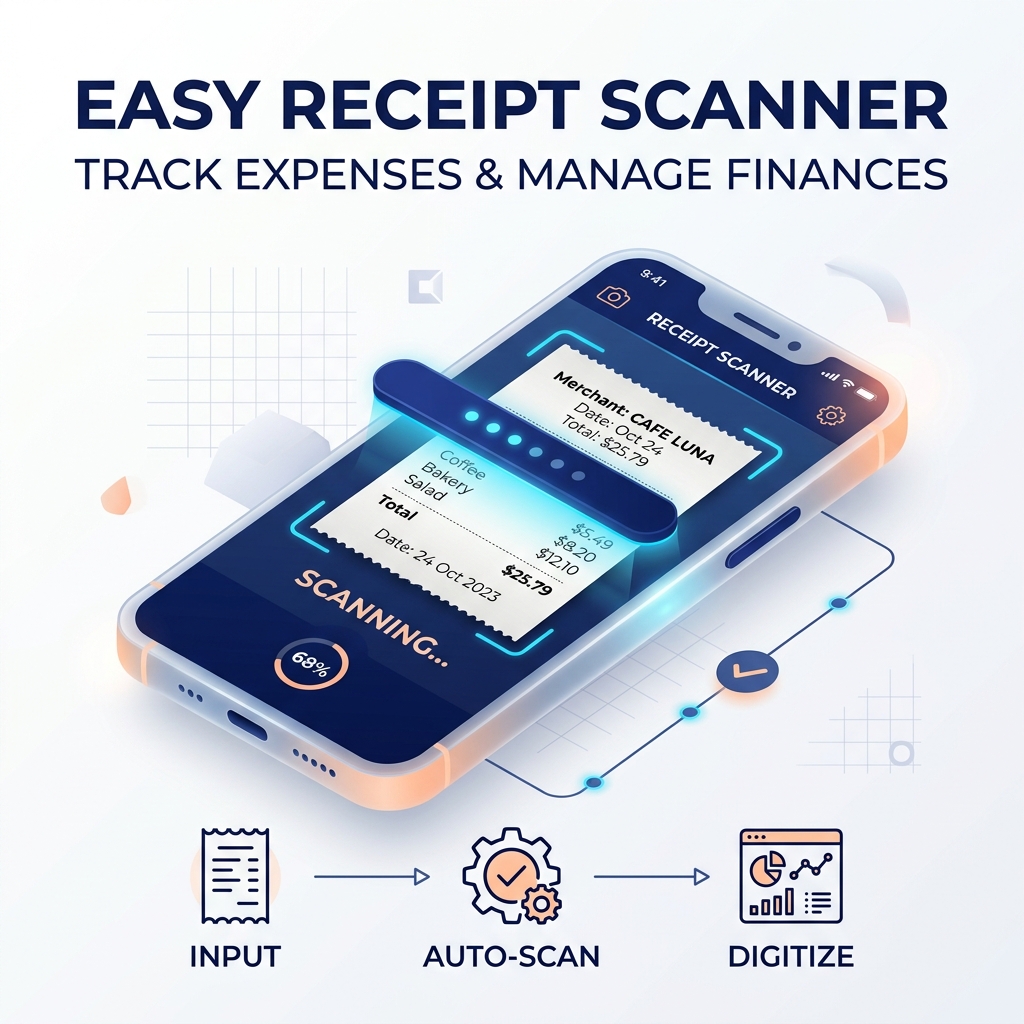
Receipt Scanner
Scan invoices, purchase slips, and travel bills with shadow removal to maintain neat expense records.
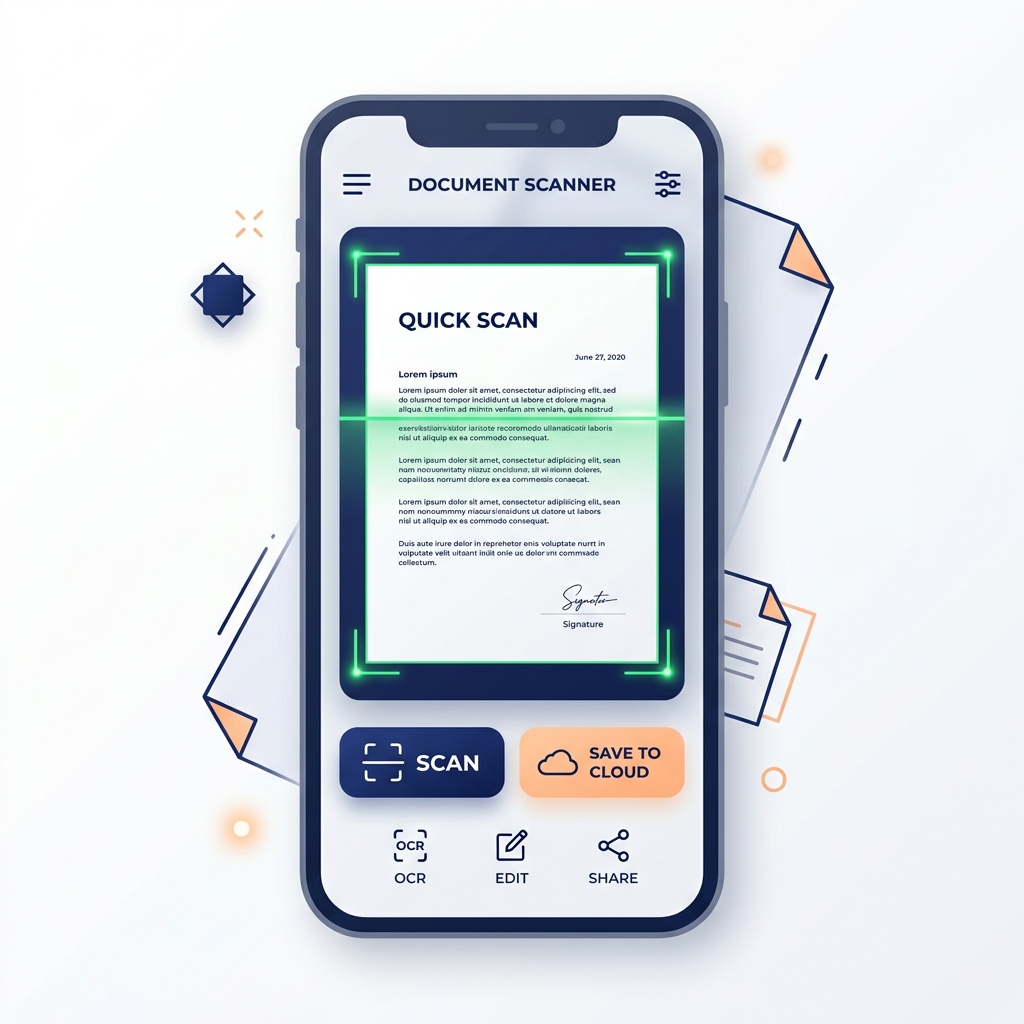
Document Scanner
Full-featured mobile scanner for books, forms, contracts, and assignments with in-document OCR search.